PDF Guides
Step-by-step guides to merging, splitting, compressing, rotating and converting PDF files, without uploading them anywhere.
- How to Delete Pages from a PDF on Any Device
 Learn how to delete pages from a PDF for free in your browser, on Mac, on Windows, and on iPhone, and see which method keeps your file private.
- How to Convert PDF to Word on Any Device
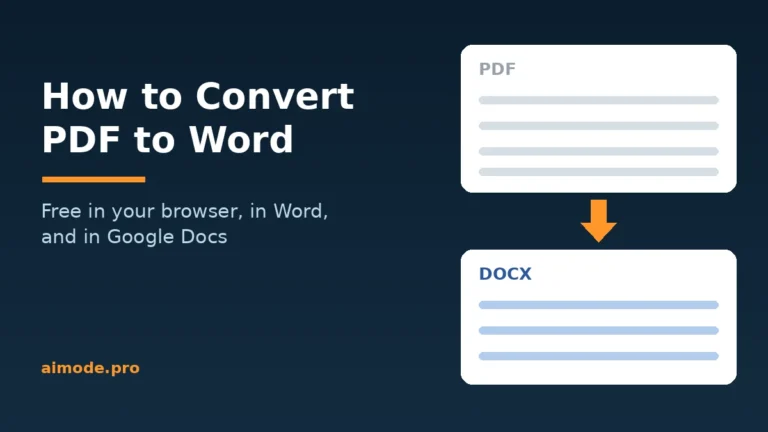 Learn how to convert PDF to Word for free in your browser, in Word, and in Google Docs, and see which free tool keeps your formatting intact.
- How to Password Protect a PDF on Any Device
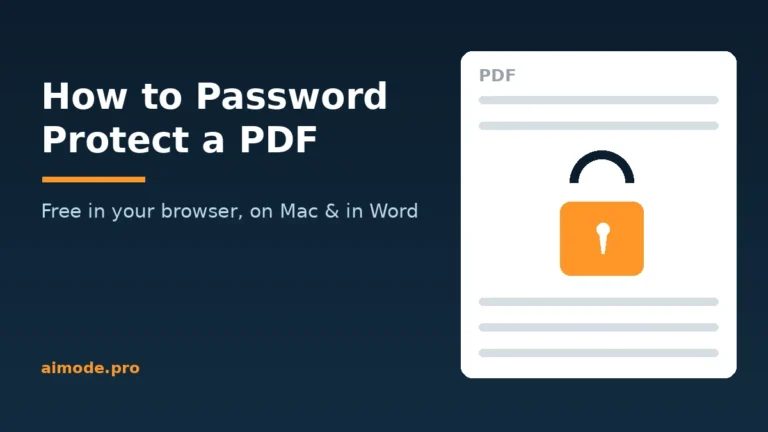 Learn how to password protect a PDF for free in your browser, on Mac, and in Word, and see which password stops opening, printing, and copying.
- How to Edit a PDF on Any Device
 Learn how to edit a PDF for free in your browser, in Google Docs, on Mac, and on Windows, and which free tools can change the actual text…
- Reduce PDF Size to 100 KB Without Making Text Unreadable
 Reduce PDF size to 100KB for forms with a 100KB limit. Open your PDF, cut large images and extra pages, and check clarity before you submit it.
- How to Convert PDF to JPG Without Losing Quality
 Learn how to convert PDF to JPG without losing quality: online tools, Acrobat, Mac Preview, choosing pages, JPG vs PNG and right DPI for screen or print.
- How to Convert JPG to PDF Without Losing Quality
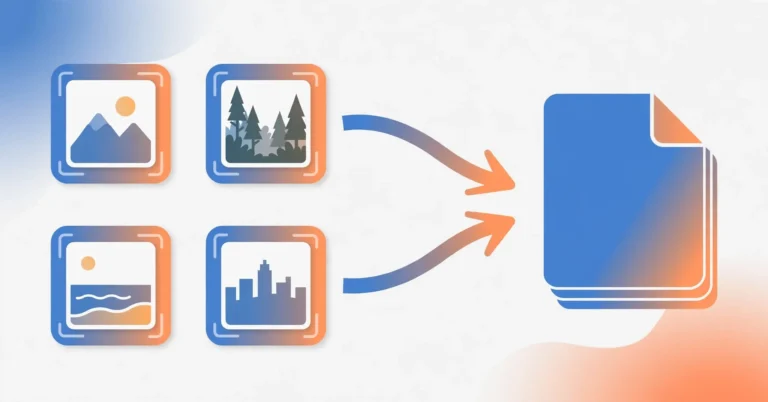
 Learn how to convert JPG to PDF without losing quality on any device, combine several images into one file, pick page size and fit, and handle HEIC photos.
- How to Rotate a PDF and Save It PermanentlyLearn how to rotate a PDF and save it permanently with an online tool, Acrobat, Mac Preview or your phone, including single pages and upside-down scans.
- How to Compress a PDF Without Losing QualityLearn how to compress a PDF without losing quality using a free online tool, Mac Preview, Word export and scan optimization, plus fixes for large files.
- How to Split a PDF Into Separate FilesLearn how to split a PDF into separate files for free with page ranges, page extraction, Chrome print to PDF, Mac Preview or a phone, with no quality…
- How to Merge PDF Files Online Free (No Upload, No Sign-Up)Merge PDF files online free in your browser with no upload or sign-up. Steps, a worked example, checks before merging, fixes for common problems and FAQs.


Free tools for this
Everything runs in your browser. Your files never leave your device.